Nestsweep
Free, open-source PC care for Windows. Clear junk files, uninstall programs and their leftovers, put idle apps to sleep, and keep apps and drivers up to date.
- Made for
- Windows 10 / 11
- Type
- Tool
- Status
- Released
- Latest version
- 1.0.4, released
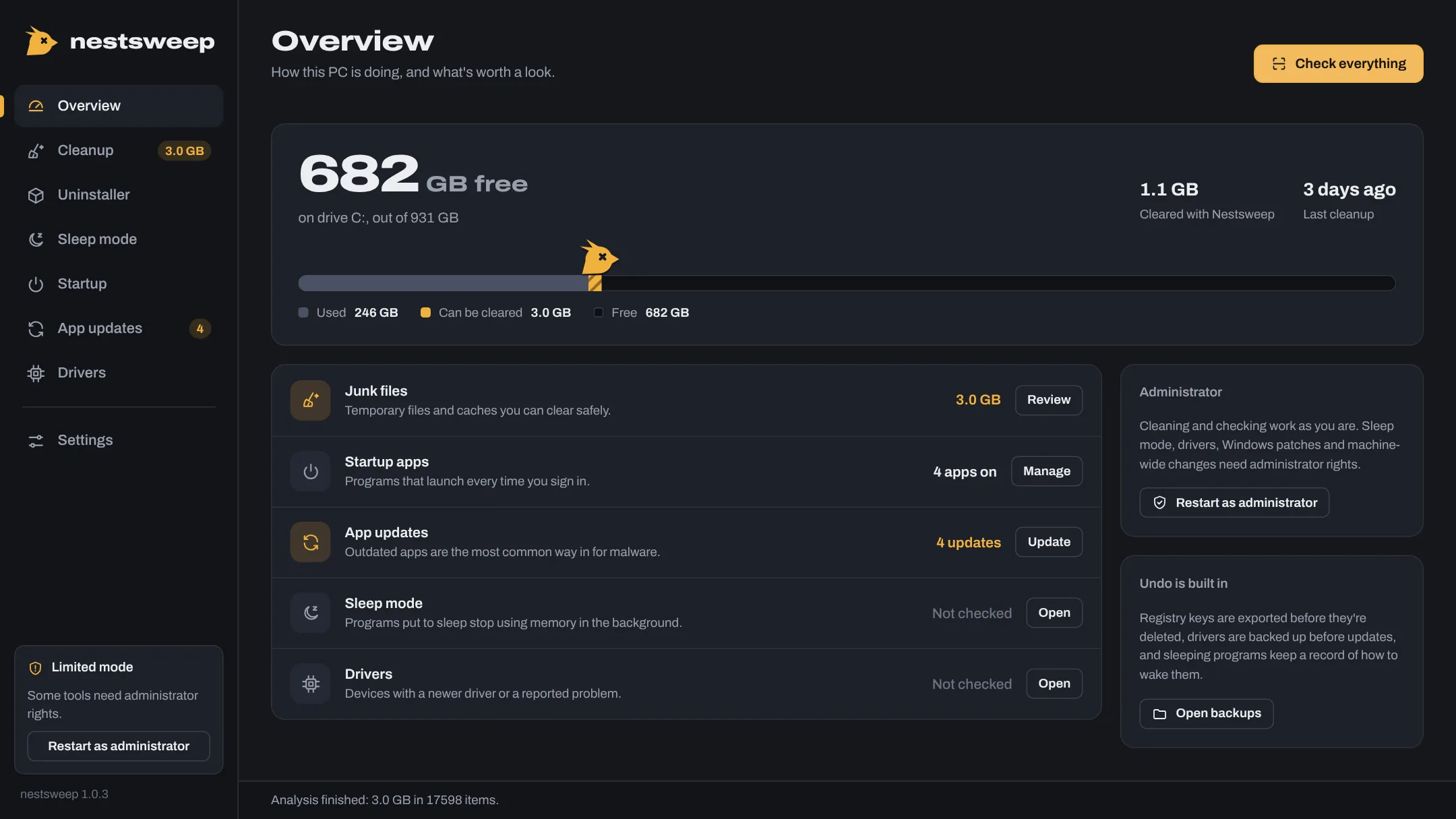
Free and open source, with no account and no installer. Nestsweep isn't code-signed yet, so the first time you run it Windows may show "Windows protected your PC". Click More info, then Run anyway.
What it does
Download Nestsweep.exe and run it. It’s a single file with nothing to install, and it keeps itself up to date.
| Section | What it does |
|---|---|
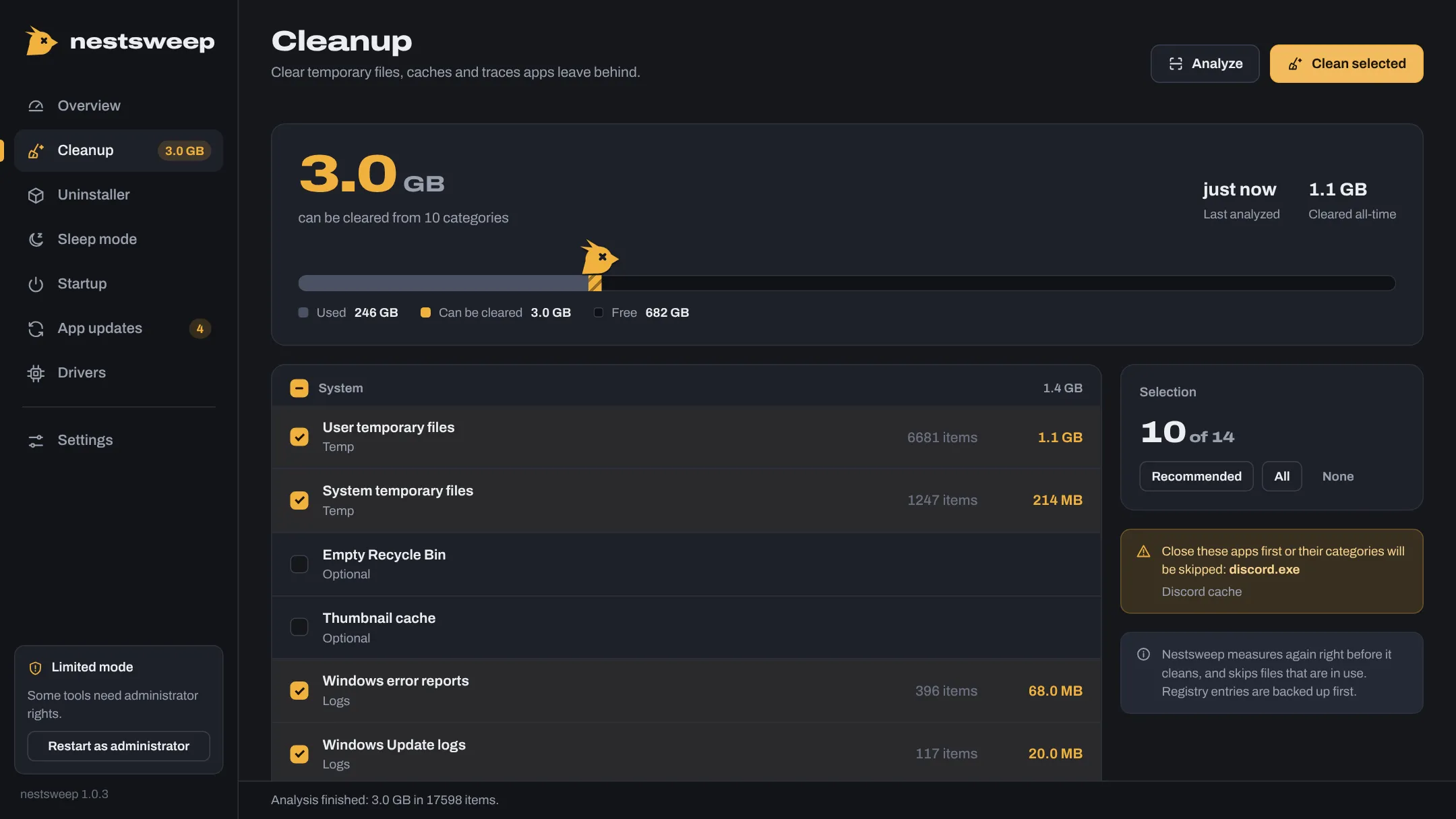
| Cleanup | Clears temp files, caches, logs and privacy traces. Analyze first, then clean. |
| Uninstaller | Runs a program’s own uninstaller, then lists the folders, registry keys, services and shortcuts it left behind for you to confirm. |
| Sleep mode | Turns off a program’s background services, tasks and startup entries, and remembers how to wake it again. |
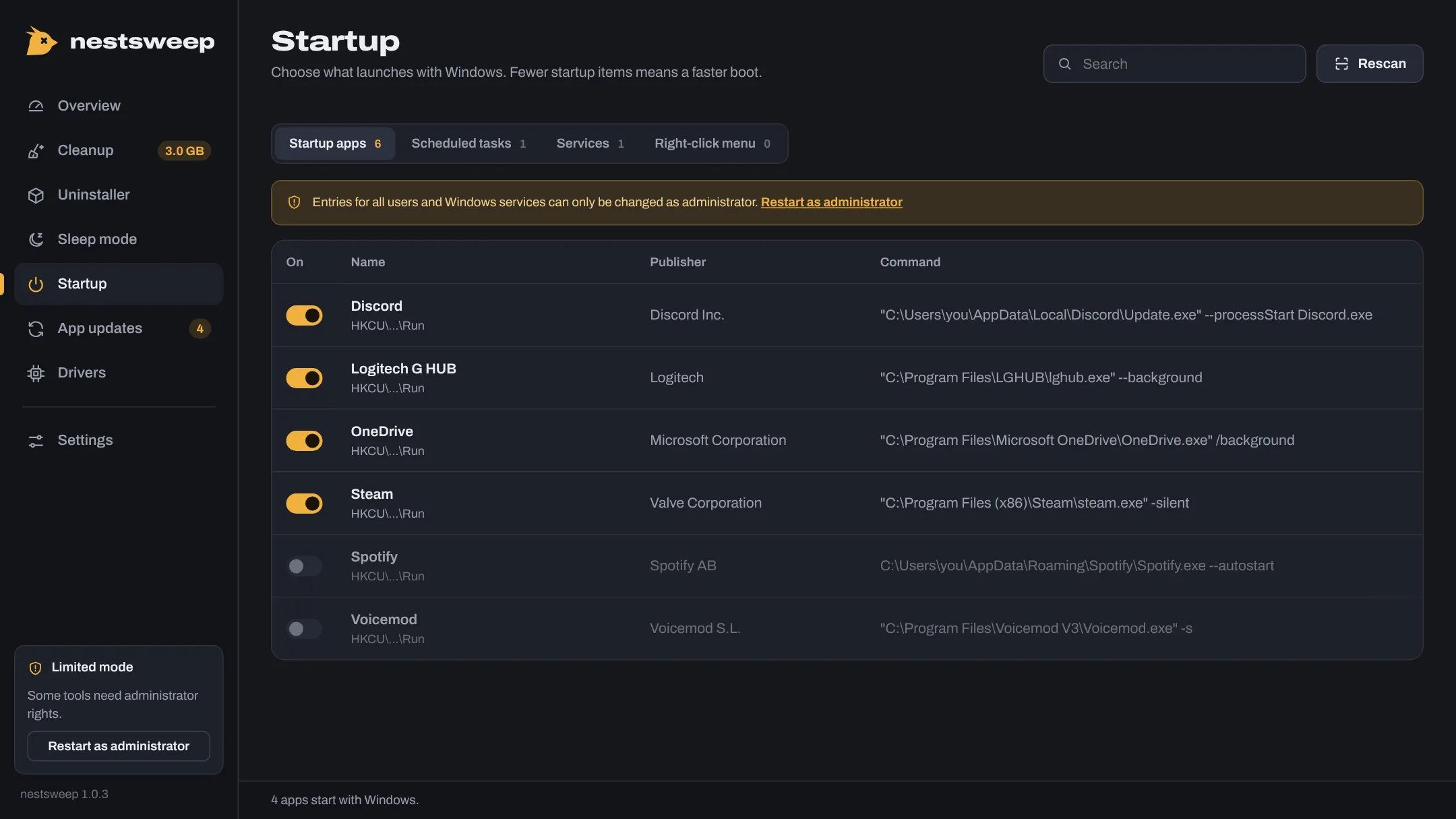
| Startup | Switches startup apps, scheduled tasks, services and right-click menu entries on and off. |
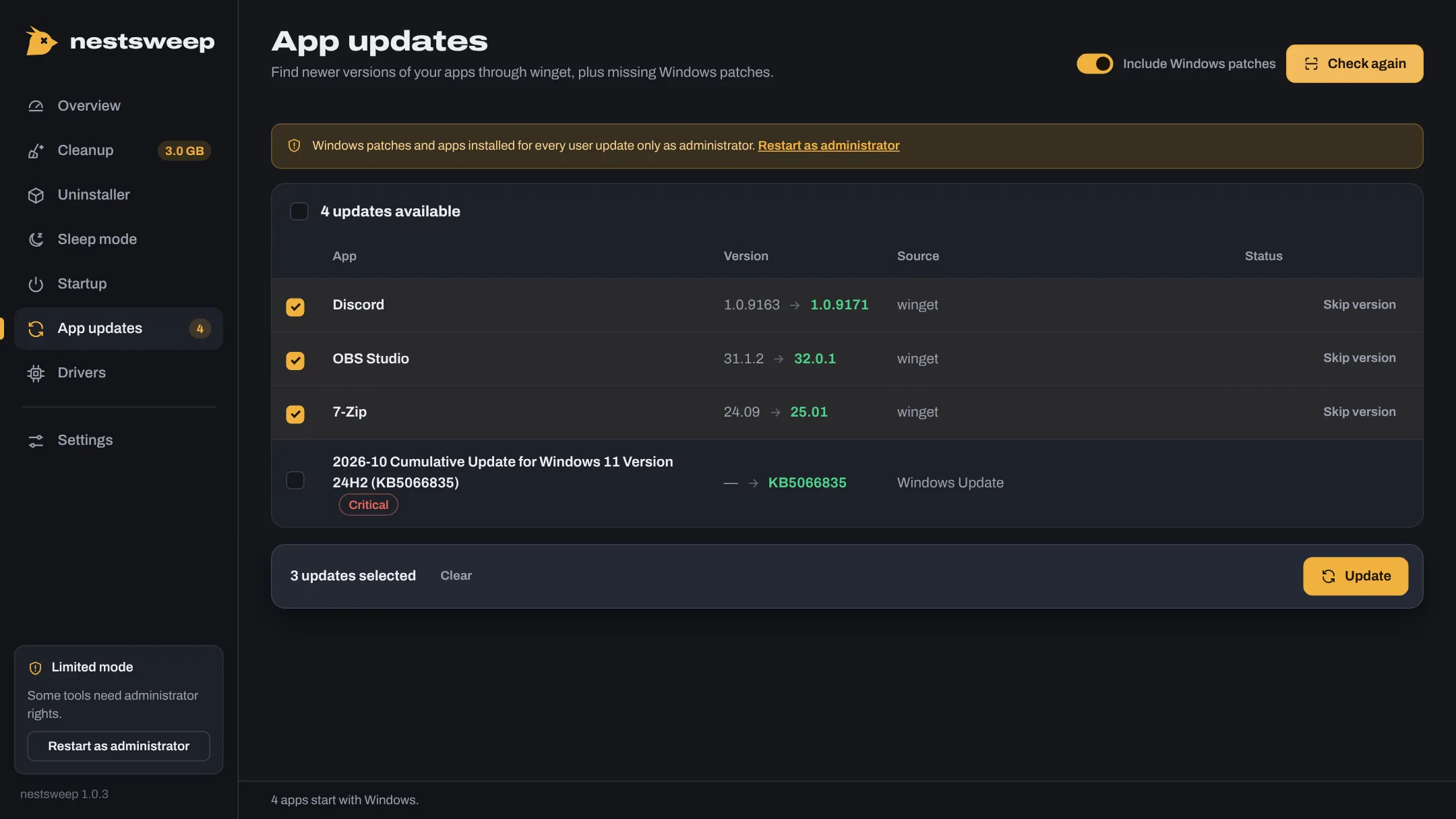
| App updates | Newer versions of your apps through winget, plus missing patches from Windows Update. |
| Drivers | Newer drivers from Windows Update, with a restore point and a backup first. |
Nestsweep starts with your normal rights. Choose Restart as administrator in the app for the tools that change machine-wide settings: Sleep mode, drivers, Windows patches and programs installed for all users.
Built to be careful
Nestsweep would rather leave something behind than delete the wrong thing.
- You can undo it. Registry keys are backed up before they’re removed, leftover folders and shortcuts go to the Recycle Bin, drivers are backed up before updates, and sleeping programs can be woken again.
- Your files are off limits. It never empties Windows, Program Files, user profiles or your personal folders, and never follows junctions or symbolic links.
- Cautious defaults. Temp files from the last 48 hours are kept, emptying the Recycle Bin is off unless you tick it, and nothing is pre-selected in Drivers.
- Risky drivers are never offered. Storage, chipset, firmware, network, USB, keyboard and mouse drivers stay as they are, because a bad one can stop a PC from starting.
- Security software stays awake. Antivirus, firewall, VPN, backup and audio tools are never offered for Sleep mode.
Privacy
Nestsweep doesn’t collect anything. The only things it connects to are winget and Windows Update when you check for updates, and one request to GitHub at startup to see if there’s a newer version. None of them include anything about your PC.
Updates
When a new version is out, Nestsweep installs it for you. The download is checked against its published SHA-256 before it replaces the running copy. Until you update, the tools stay locked in case the new version fixes something important, but undo actions such as waking programs or restoring driver backups always keep working.
Checking your download
Every release lists the SHA-256 of Nestsweep.exe. To compare, open PowerShell in your Downloads folder and run Get-FileHash .\Nestsweep.exe.
What's new in 1.0.4
All changesSafety update: Cleanup can no longer be tricked into deleting outside its folders, updates only come from this repository, drivers are matched exactly, and the Uninstaller is more careful with shared folders. Recommended for everyone.
Screenshots